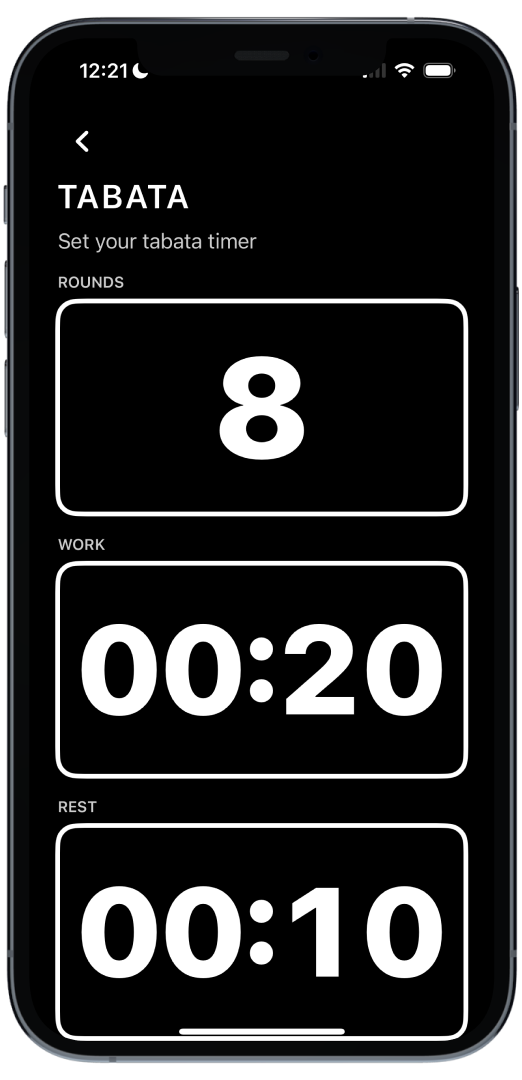
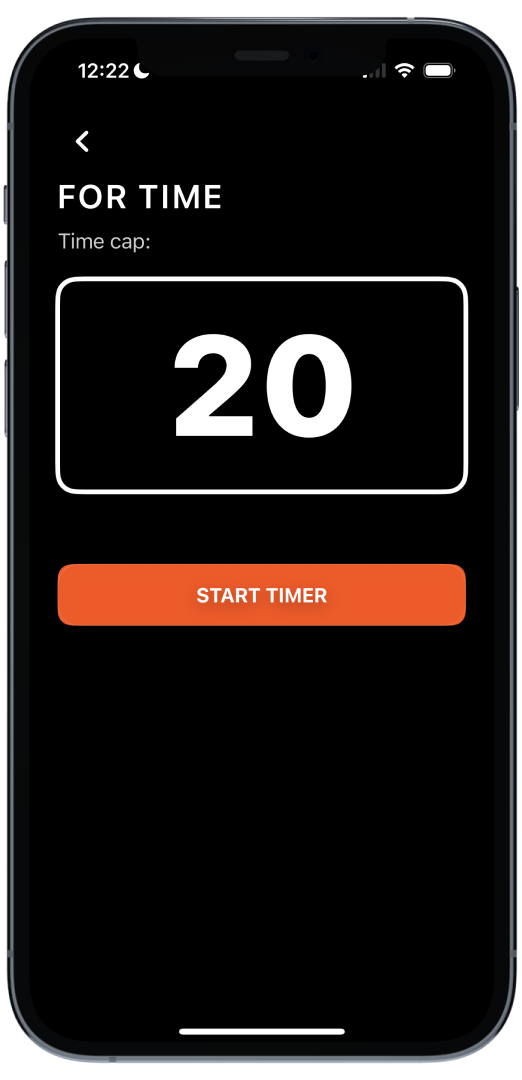
Product designer & developer
Figma, SwiftUI, Xcode, Github, ChatGPT
6 months (design to App Store approval)
A privacy-focused, ad-free timer live on the App Store.
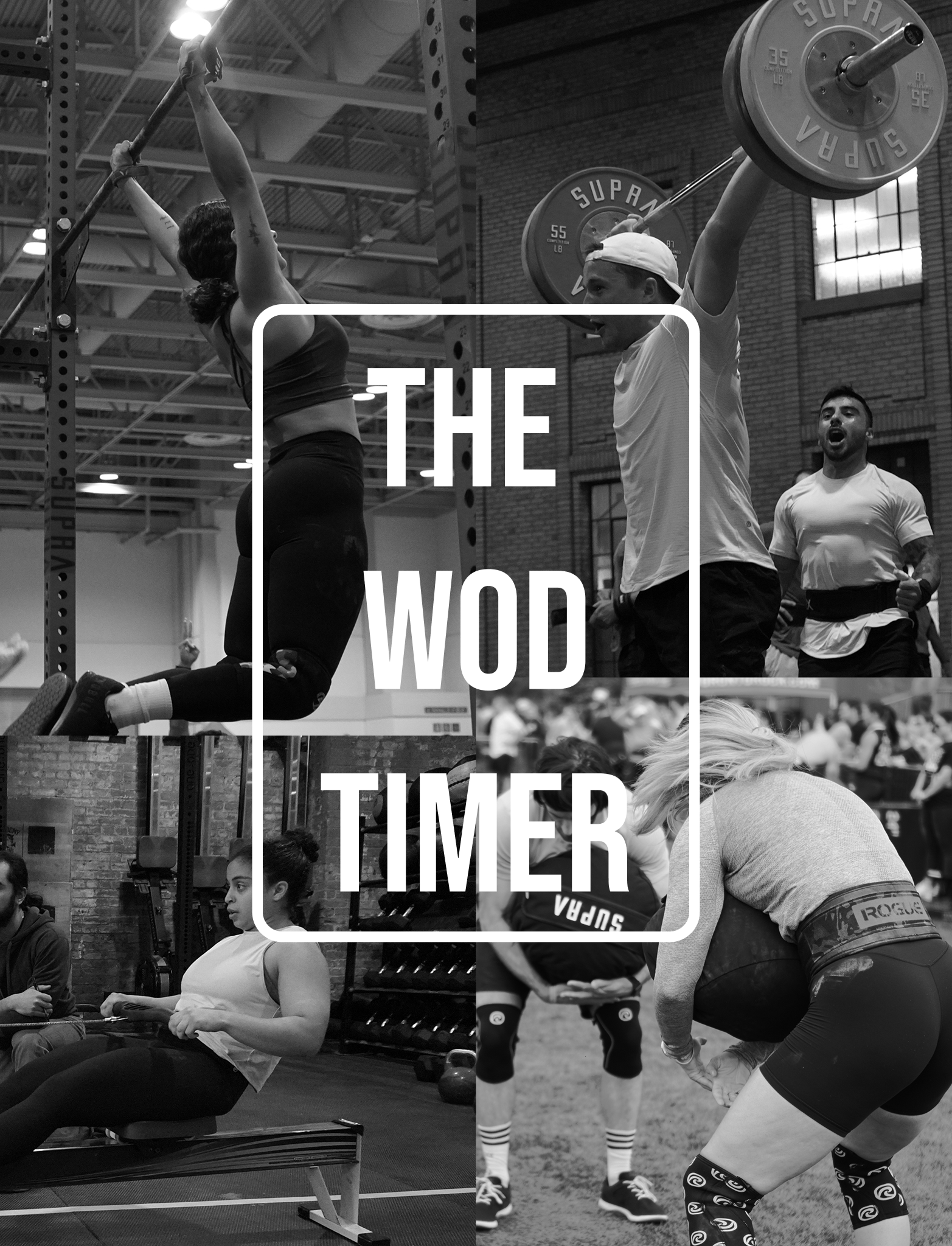

Current workout timers are poorly designed or are riddled with ads.
"Ads don't belong in a heavy squat session."
As a CrossFit coach, I witness the user journey firsthand.
Athletes rely on their phones to time their workouts, current timers prioritize ad revenue over user experience.
Imagine you are about to attempt a max-effort lift on a timed interval to qualify for a competition.
You look at your phone, and suddenly a full-screen video ad for a mobile game pops up. It’s annoying, it disrupts the flow, and ruins the workout.
Athletes don't need "more features." They need reliability, high-contrast visibility, and zero friction. I set out to build a tool that does its job and gets out of the way.
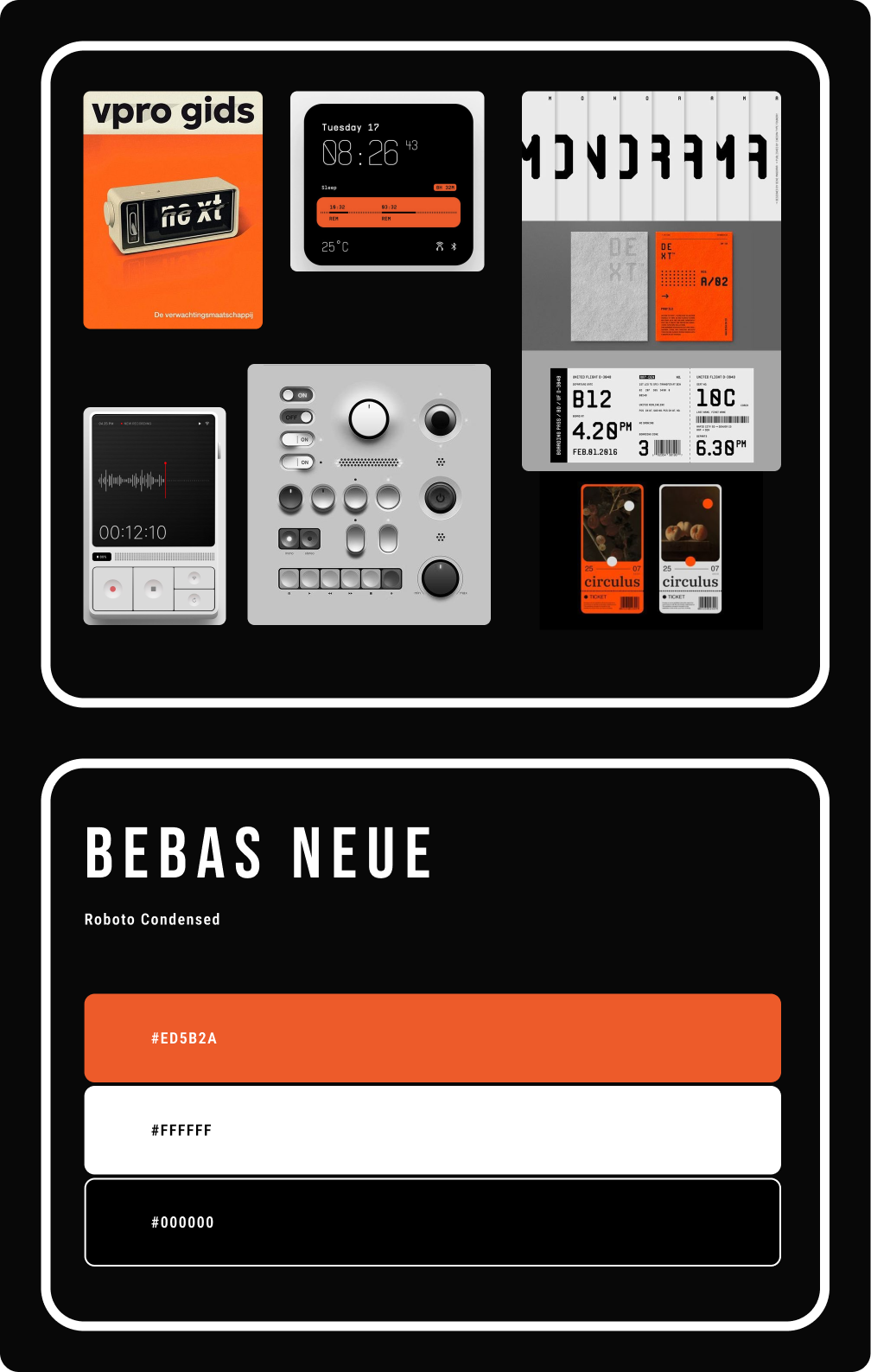
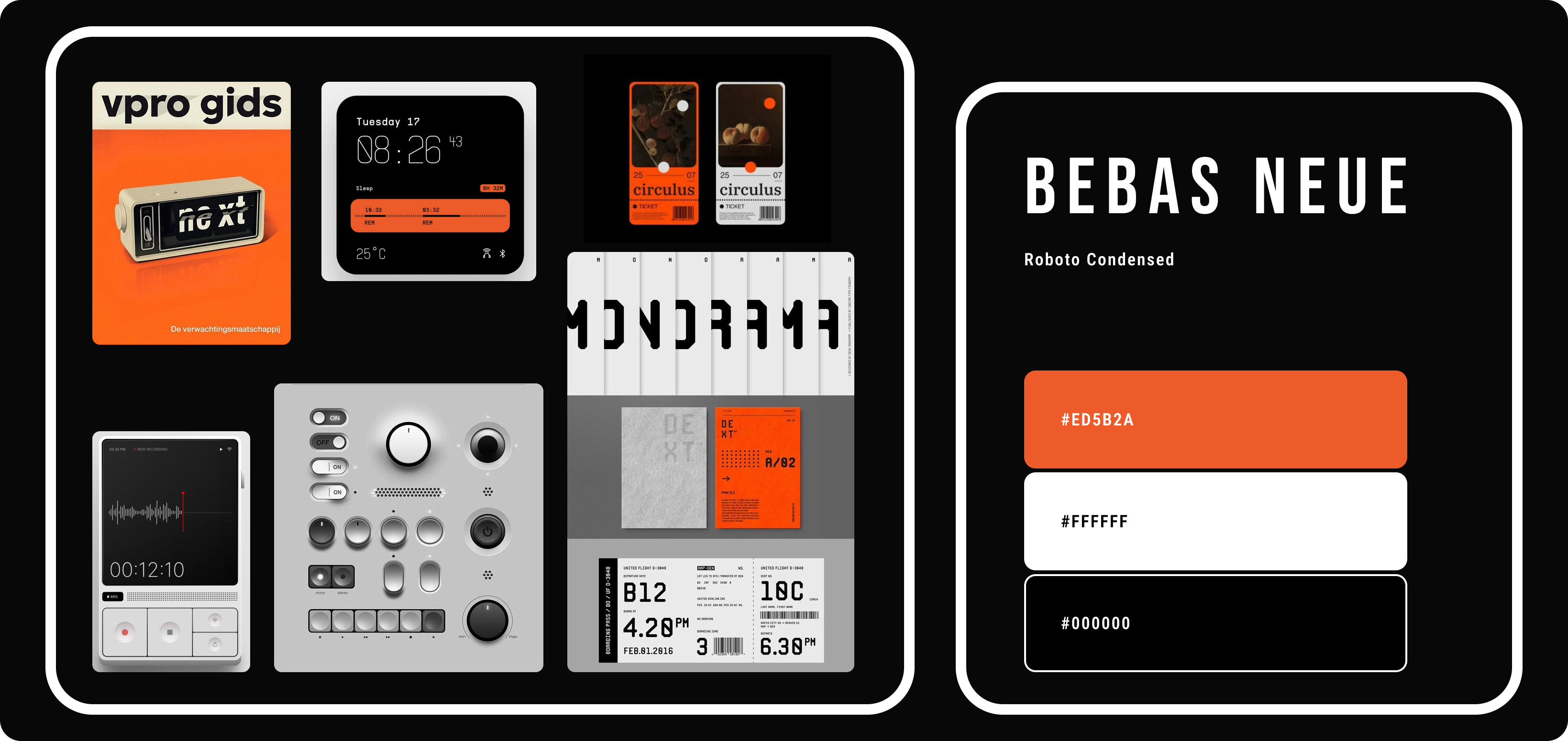
Designing for a gym is different than designing for a desk.
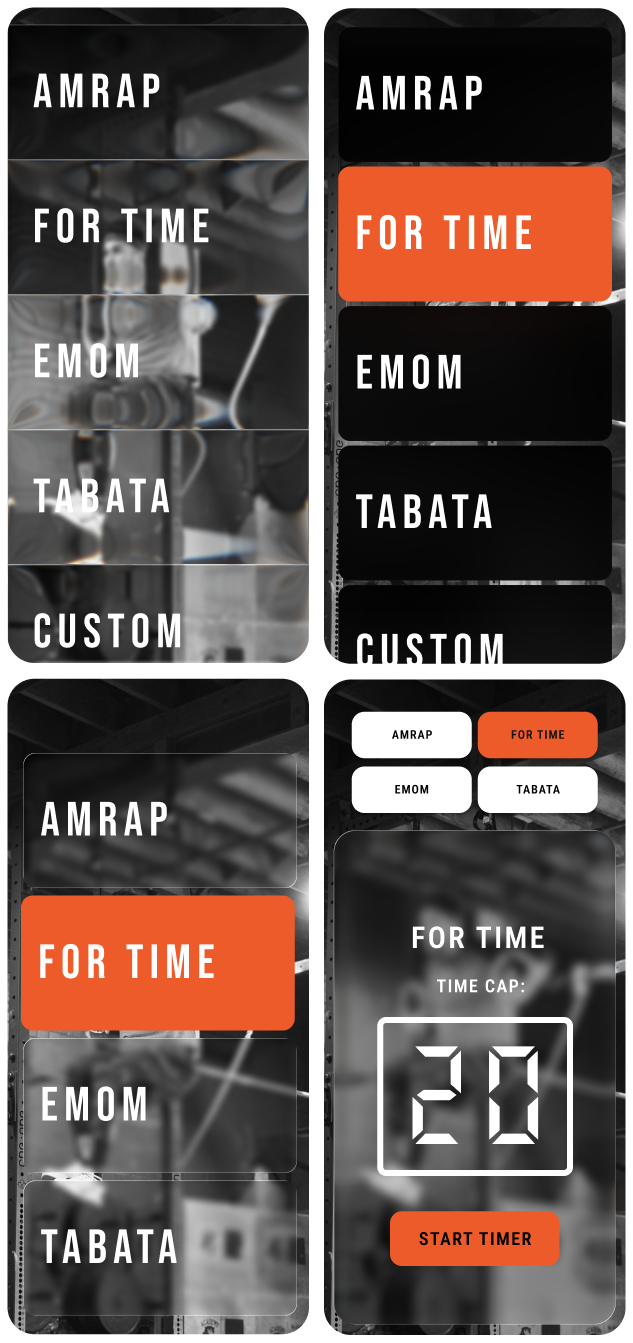
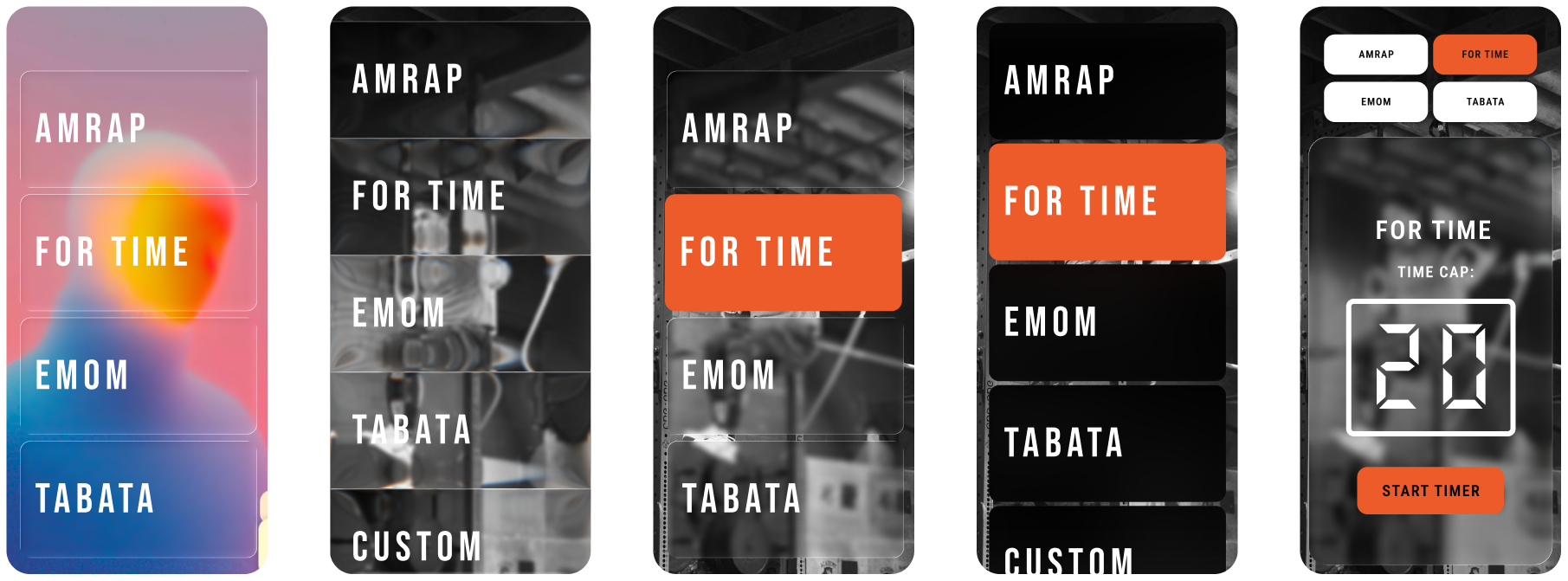
While AI is a powerful accelerator, shipping requires a deep understanding of product logic and QA.
I utilized LLMs (ChatGPT) to accelerate the development process, moving from high-fidelity Figma mocks to functional SwiftUI code in days rather than weeks. This allowed me to act as a "Full Stack Product Designer."
While ChatGPT got me to 80% completion pretty quick, it struggled with the nuances of a production-ready app. The final 20% required me to dive deep to solve complex issues:
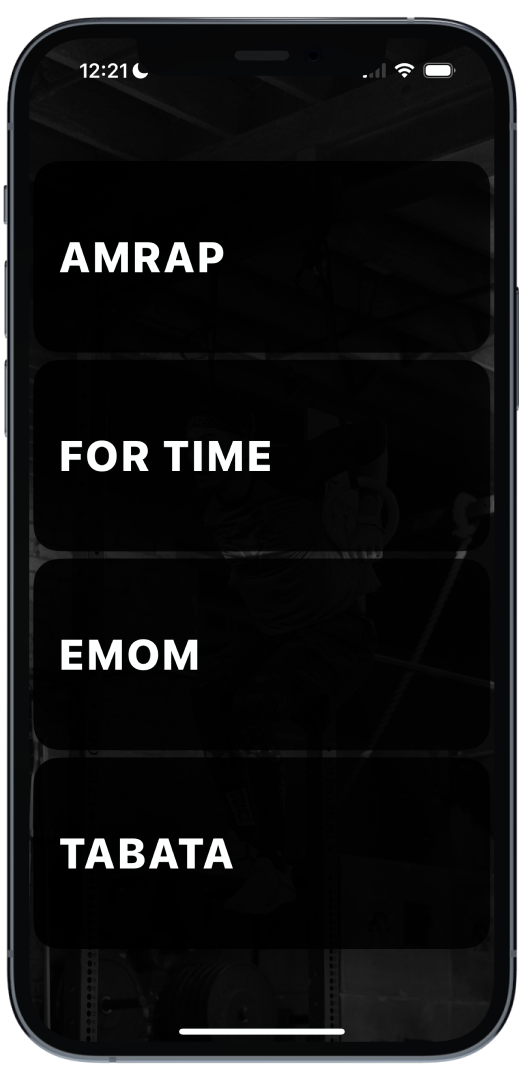
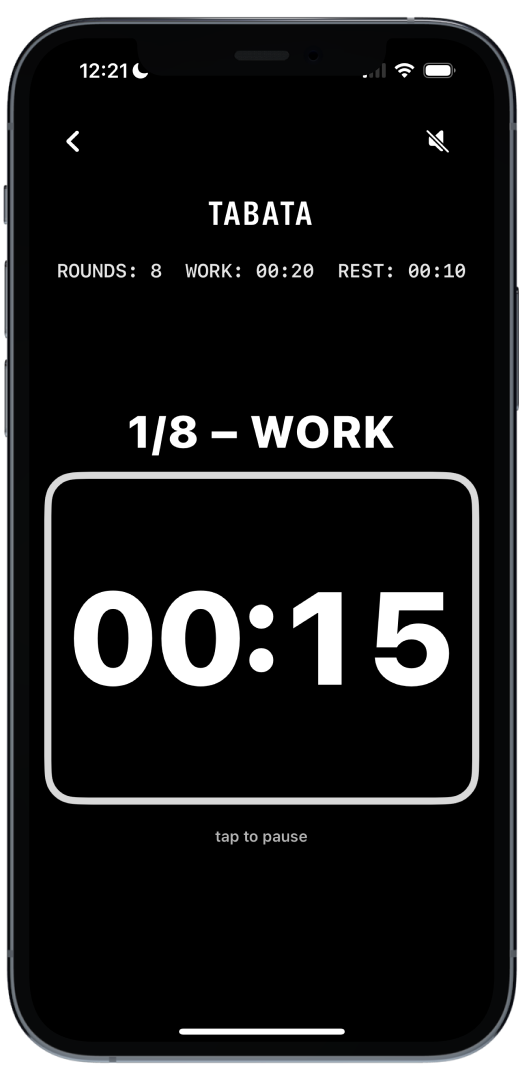
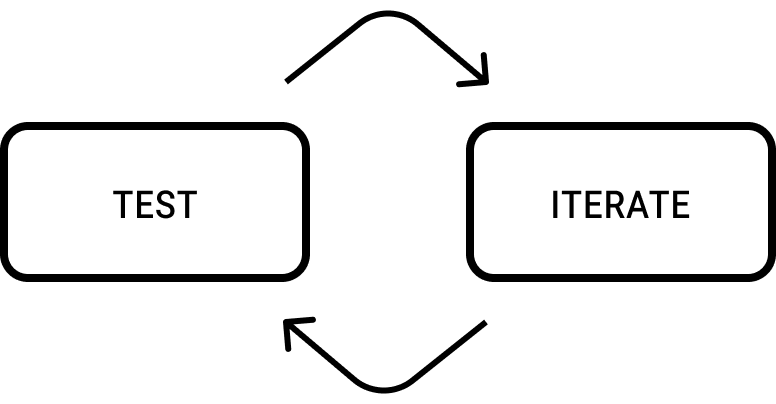
As a coach at a gym I was lucky to have plenty of eager testers readily available. I sent them links to the beta using Test Flight and collected their feedback.
The WOD Timer went through 6 iterations through testing.
Testers found bugs, and other required features that I had missed (like having the timer play when the screen is locked, or having music audio play at the same time as the timer audio.)

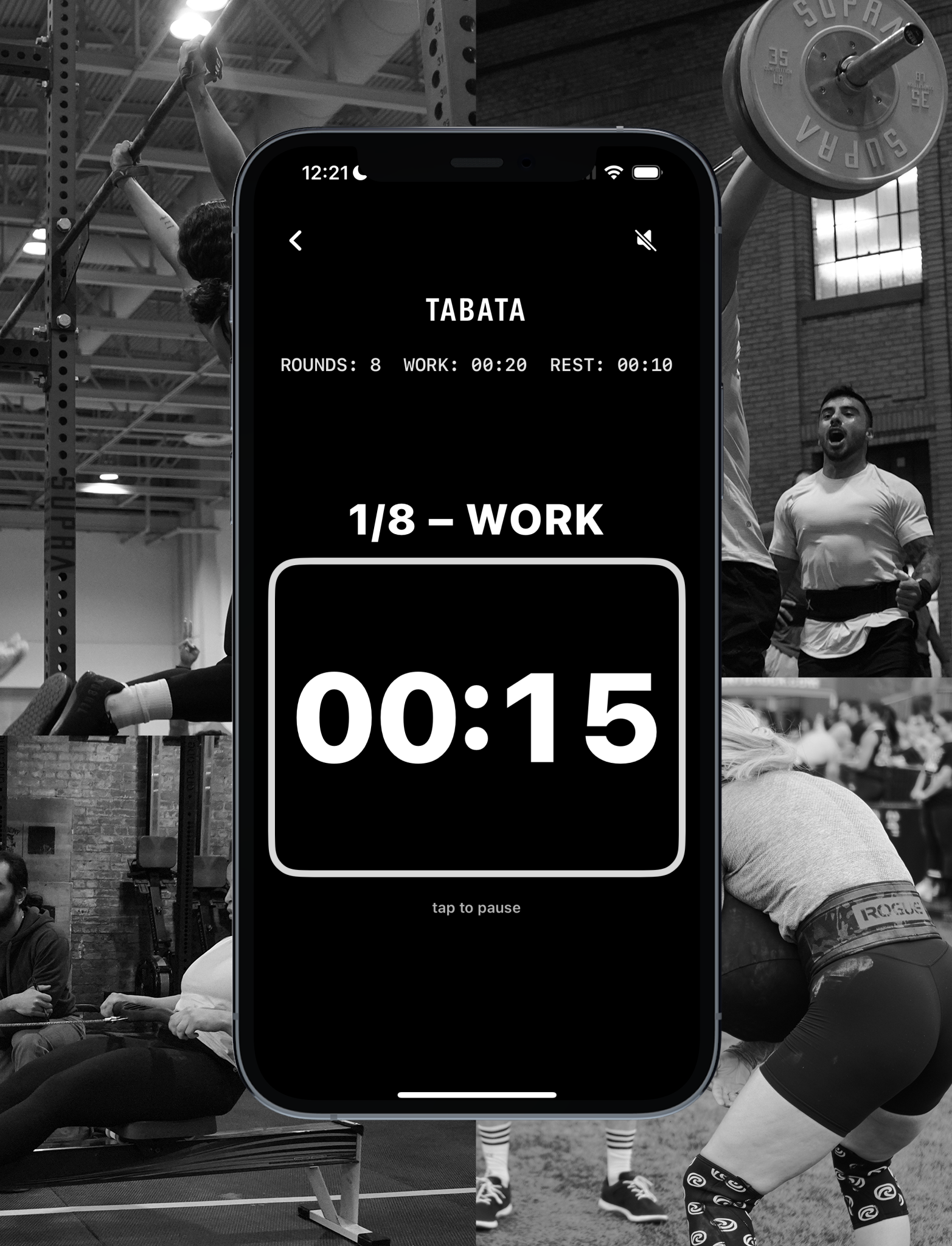
The app passed Apple's strict App Store review process on the first submission. It is now the primary timer used by many members at my gym (and some friends and family of course.)
Monetization: I want to keep the core timer free forever, but I can create a "premium" timer app with additional features.